tuxwire
A calm, terminal-style RSS reader that runs in your terminal and on your Android phone. Follow the sites you care about, save articles, add your own notes, and keep it all on your own server if you want it to follow you between devices.
No accounts, no ads, no tracking. Free software under the MIT licence.
Install · Google Play · F-Droid (coming soon) · Source on GitHub
What it does
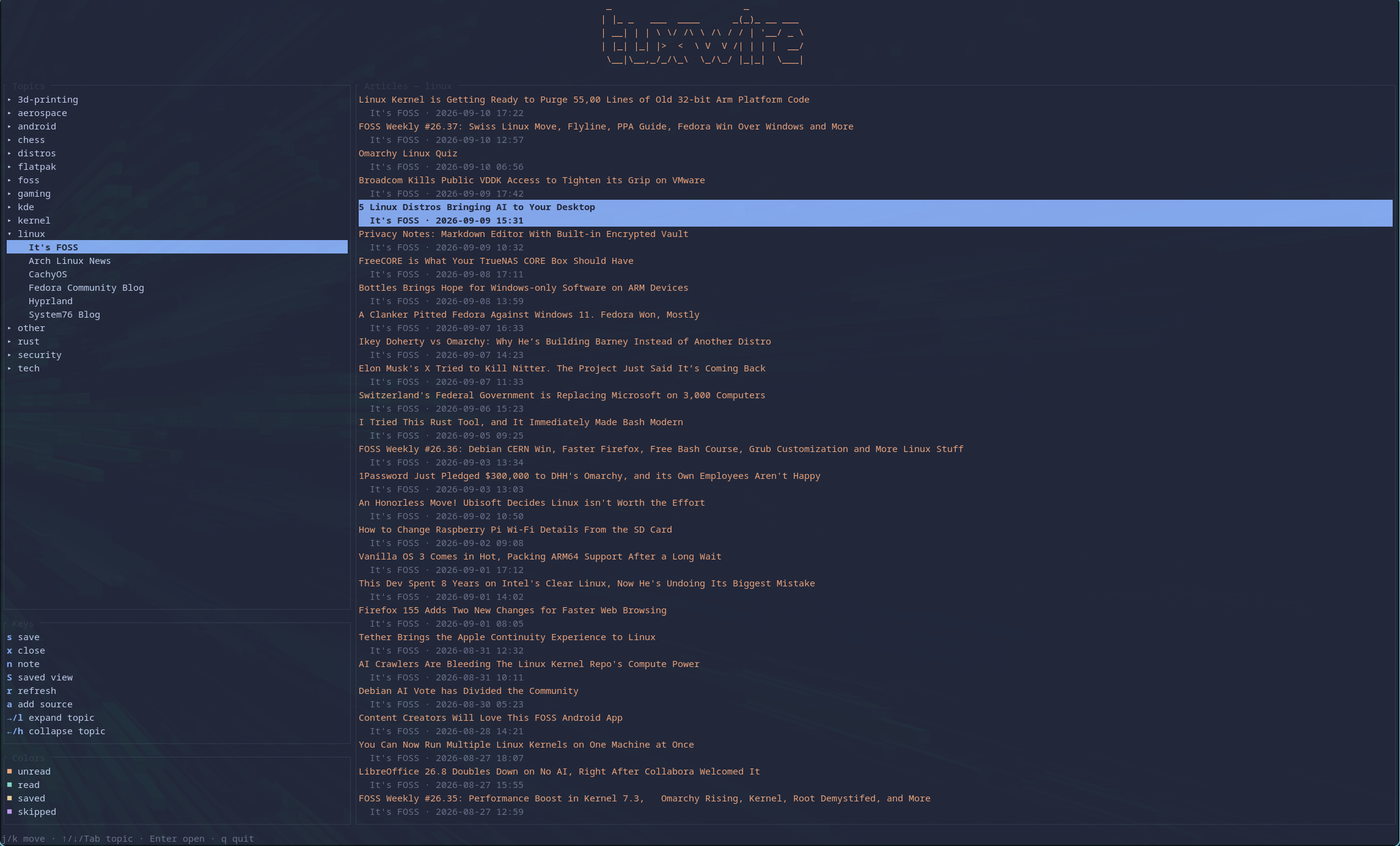
- Feeds by topic. Group RSS and Atom feeds into topics you choose, then browse topic, source, article.
- Save and add notes. Keep an article with your own note, and export everything to one Markdown file.
- Read later. Stash a link now, decide later.
- Import and export. Move your feed list in or out with OPML.
- Themes. Eight built in on the desktop, with live switching.
- Optional sync. Off by default, to a CouchDB server you run yourself.
On the desktop
Keyboard driven. Enter reads an article, s saves it, n adds a note.

On your phone
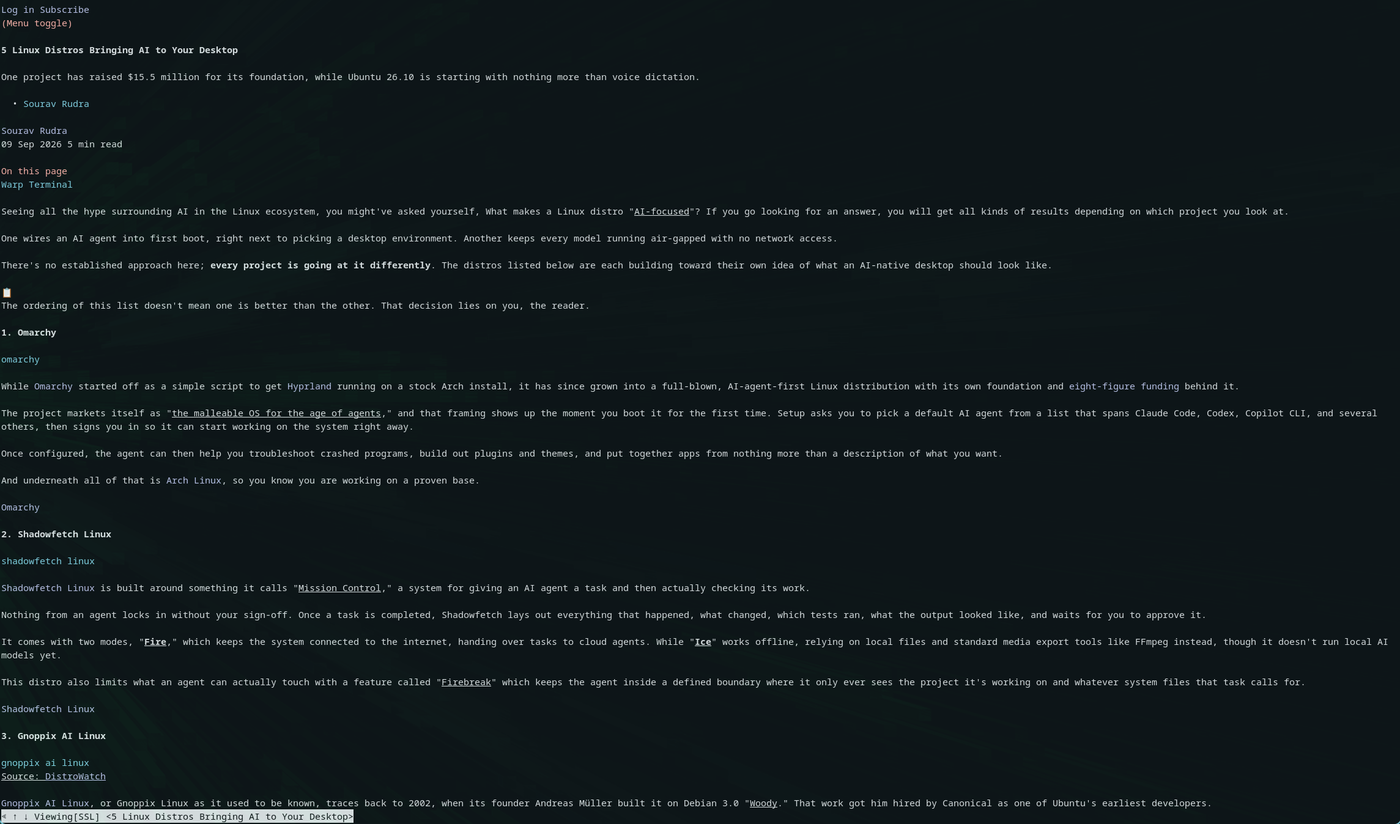
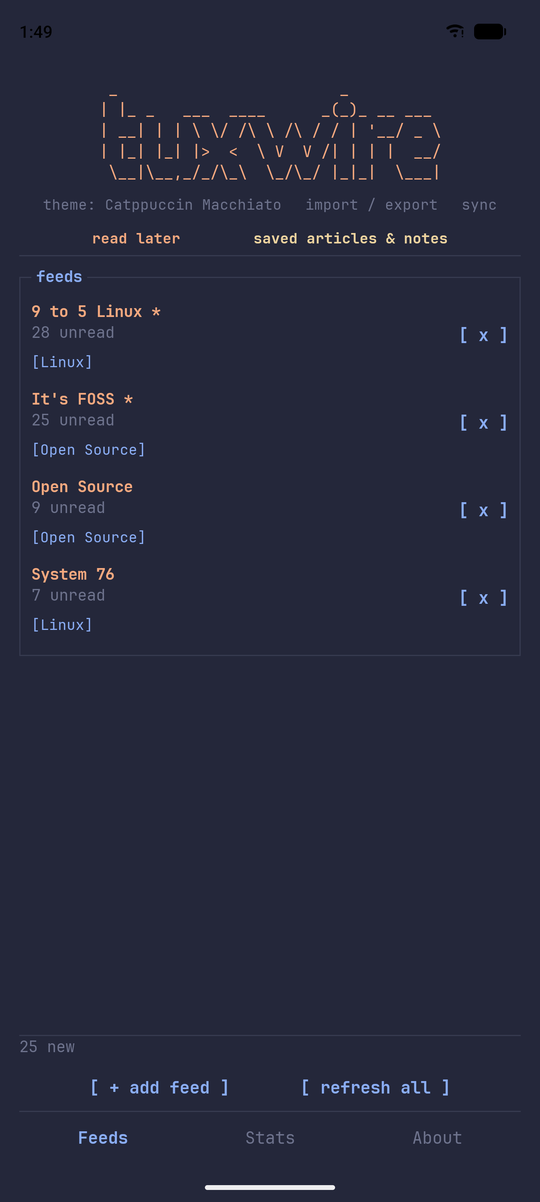
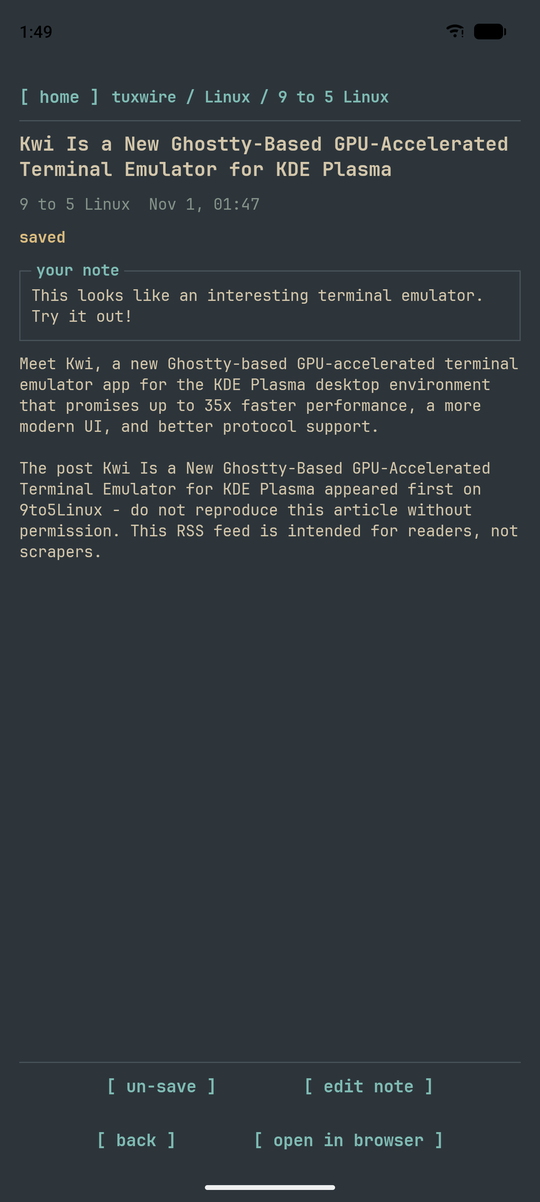
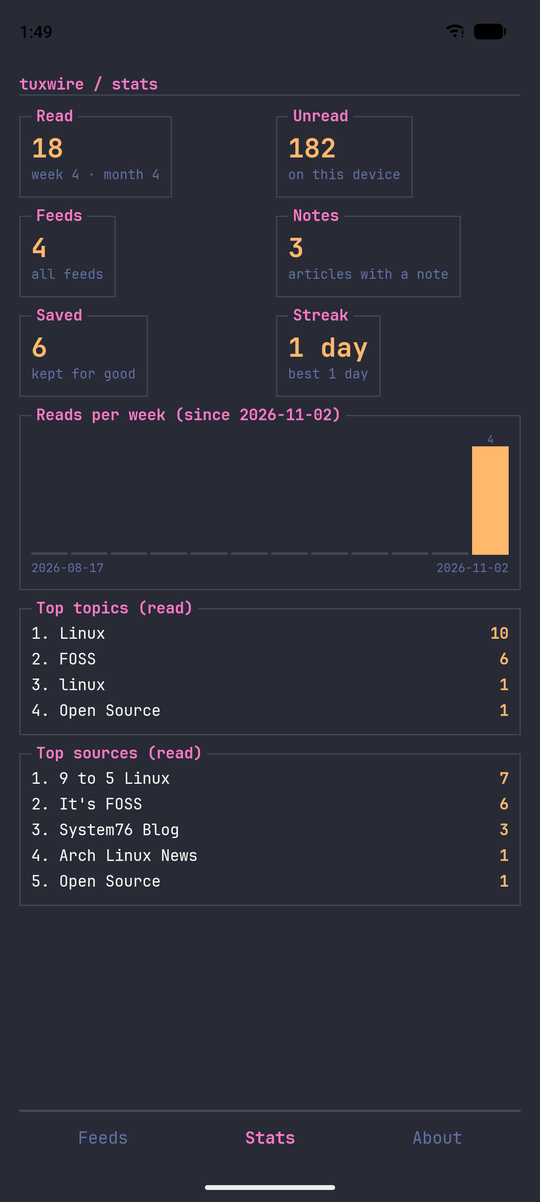
A native Android app with the same look. The bars are pinned top and bottom so everything sits under your thumb.
How they connect
Both apps are built on one shared Rust engine, so they behave the same. Turn on sync and they also share your saved articles and notes through a CouchDB database on your own server. Save something on your phone, find it in the terminal.
  tuxwire (terminal) <─────>  your CouchDB  <─────> tuxwire (android)
                          (optional, your server)

  both built on tuxwire-core, one engine written in Rust
- What travels: saved articles, notes and read-later links.
- When: when you ask it to, never in the background.
- Who sees it: only you. Nothing is sent to me.
Install
Android
Get it on Google Play. F-Droid is coming.
Terminal
Fedora COPR and Arch AUR packages are coming. Until then, build it from source.
- Install Rust, then a C toolchain:
curl --proto '=https' --tlsv1.2 -sSf https://sh.rustup.rs | sh
source "$HOME/.cargo/env"

# C toolchain, pick your distro
sudo apt install build-essential pkg-config     # Debian, Ubuntu
sudo pacman -S base-devel pkg-config            # Arch, CachyOS
sudo dnf groupinstall "Development Tools"       # Fedora
- Build it:
git clone https://github.com/shanecuster/tuxwire.git
cd tuxwire
cargo build --release
- Put it on your path and run it:
mkdir -p ~/.local/bin
ln -s "$(pwd)/target/release/tuxwire" ~/.local/bin/tuxwire
tuxwire
The first build takes a few minutes. Optional: install w3m to read articles inside the terminal.
Read more
Links
Privacy policy · Changelog · Report an issue · Terminal source · Android source